
 Free WhatsApp Tool
Free WhatsApp Chat Button Generator
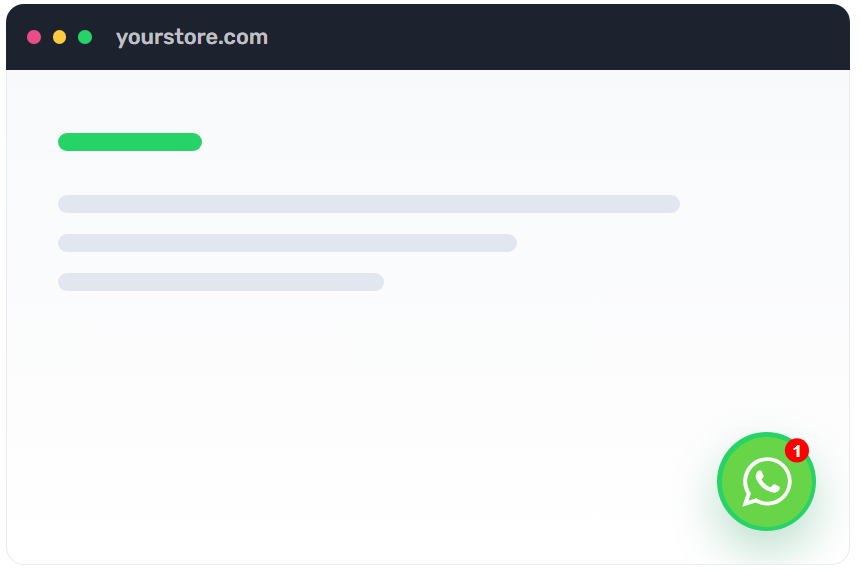
Add a floating WhatsApp chat button to your website so visitors can open a prefilled conversation in one tap.
Generate a WhatsApp Chat Button for Your Website
Enter your website URL, WhatsApp number, and welcome message. Then copy the generated code into your site.
Website Preview
Follow these simple steps to add a WhatsApp chat button to your website:
Enter your website URL
Load your site in the preview and see how the floating WhatsApp button appears.
Add your WhatsApp number and message
Choose the country code, type the phone number, and write the welcome message visitors should see.
Copy the code into your site
Paste the snippet before the closing body tag, inside your theme editor, or in a custom HTML block.
Add WhatsApp Chat to Any Website
Use the generated code on ecommerce stores, landing pages, blogs, service websites, and support pages.
Shopify
Paste the snippet into your theme, product page template, custom liquid section, or Shopify page builder.
WordPress
Add it through a custom HTML block, footer injection plugin, child theme, or site-wide code manager.
Wix
Use Wix custom code settings or an embed block to show the WhatsApp button across selected pages.
Custom Sites
Drop the HTML and JavaScript into static HTML, Webflow embeds, React apps, or any page that allows custom scripts.
Where to Use a WhatsApp Chat Button
A floating WhatsApp button works best where visitors are already deciding, comparing, or asking for help.
Product Pages
Let shoppers ask about size, delivery, pricing, availability, and recommendations before they leave the page.
Landing Pages
Turn ad traffic into direct conversations with a prefilled message tied to your campaign or offer.
Support Pages
Give visitors a fast path to WhatsApp support without forcing them through long forms or ticket flows.
Checkout Help
Use the button around cart and checkout-adjacent pages to answer questions before customers abandon.
Service Websites
Let leads ask for quotes, appointments, demos, and availability through a channel they already trust.
Blog and Resource Pages
Convert readers into conversations when they are already engaged with your advice or buying guide.
Why Add a WhatsApp Chat Button?
A visible chat button gives high-intent visitors a simple way to ask questions and move toward purchase.
Reduce Contact Friction
Visitors do not need to save your number, copy it manually, or search for a support channel.
Capture More Leads
Every chat can become a qualified lead with the customer's name, number, and buying intent.
Improve Customer Support
Let shoppers ask product, order, delivery, or return questions inside a familiar messaging app.
Start Conversations You Can Automate
For Shopify stores, Retentionly can help turn WhatsApp conversations into abandoned checkout, order update, winback, and retention flows.
Questions & Answers
Everything you need to know before adding a WhatsApp chat button to your website.
What is a WhatsApp chat button?
A WhatsApp chat button is a floating website button that opens a WhatsApp conversation with your business number.
Does the generated code need a plugin?
No. The snippet is plain HTML and JavaScript with inline SVG, so it can work on most websites that allow custom code.
Can I use this on Shopify?
Yes. Paste the snippet into your Shopify theme, custom liquid block, or a site-wide code area in your page builder.
Can I use it on WordPress?
Yes. Add it through a custom HTML block, footer injection plugin, child theme, or a code snippets plugin.
Can I use it on Wix or Webflow?
Yes, as long as your plan and page settings allow custom HTML or custom code embeds.
Will the button send a message automatically?
No. WhatsApp opens with the welcome message prefilled, and the visitor still chooses whether to send it.
What phone number format should I use?
Use your WhatsApp number with the correct country code. The phone input helps format the number into the wa.me format.
Can I change where the button appears?
The generated snippet places it in the bottom-right corner. Developers can adjust the inline CSS values for position, size, and spacing.
Can I track clicks on the button?
You can add your own analytics event around the button click, or use a tracked landing page before the wa.me URL.
How is this different from Retentionly?
This tool creates a simple chat entry point. Retentionly helps Shopify brands automate WhatsApp journeys for abandoned checkouts, orders, winbacks, broadcasts, and retention.
Boost Your Customer Retention by Over 20%
 Install on Shopify
Free to Try and billed through Shopify.